ATTENTION: PRODUCT AND TECH LEADERS
A Product Management Workspace Built Around Chat
Xuan is designed for product and technology teams that need more than separate tools for planning, tracking, and communication. It keeps work and conversations connected in one place, making it easier to manage execution, follow progress, and give leaders a clearer view of what is moving across the team.
1
WORKSPACE
3
CLICKS TO CONTEXT
95%
TRACEABILITY
50%
LESS REWORK
CLICK BELOW TO WATCH FIRST!
• No credit card required • 30-day free trial • Cancel anytime • No credit card required • 30-day free trial • Cancel anytime • No credit card required • 30-day free trial • Cancel anytime • No credit card required • 30-day free trial • Cancel anytime • No credit card required • 30-day free trial • Cancel anytime • No credit card required • 30-day free trial • Cancel anytime • No credit card required • 30-day free trial • Cancel anytime • No credit card required • 30-day free trial • Cancel anytime • No credit card required • 30-day free trial • Cancel anytime • No credit card required • 30-day free trial • Cancel anytime • No credit card required • 30-day free trial • Cancel anytime • No credit card required • 30-day free trial • Cancel anytime • No credit card required • 30-day free trial • Cancel anytime
One Platform for Your Entire Product Workflow
Before Xuan (The Old Way)
Slack for communication
Jira for tracking
Confluence for documentation
Excel/Sheets for roadmaps
Email for updates and approvals
Constant tool switching
Missing context and scattered work
Inconsistent execution
After Xuan (The New Way)
Unified communication inside one workspace
Projects connected directly to products
Requirements, notes, and documentation are centralized
Roadmaps tied to real product structure
Contextual updates and discussions in-platform
A single environment for all product workflows
Clear visibility across teams and priorities
Predictable, aligned, structured delivery
Everything You Need to Plan, Track, and Ship Products
Structure products and projects in one organized view for clear oversight.
Capture and manage user stories with priorities and acceptance criteria in one place.
Work in Kanban, Calendar, Gantt, or List without losing context or switching tools.
Collaborate through contextual messaging tied directly to products and projects.
Store documents and assets inside the relevant workspace for easy access and alignment.
Connect requirements, tasks, and decisions to maintain full visibility across the lifecycle.
Your Step-by-Step Guide to Joining Xuan
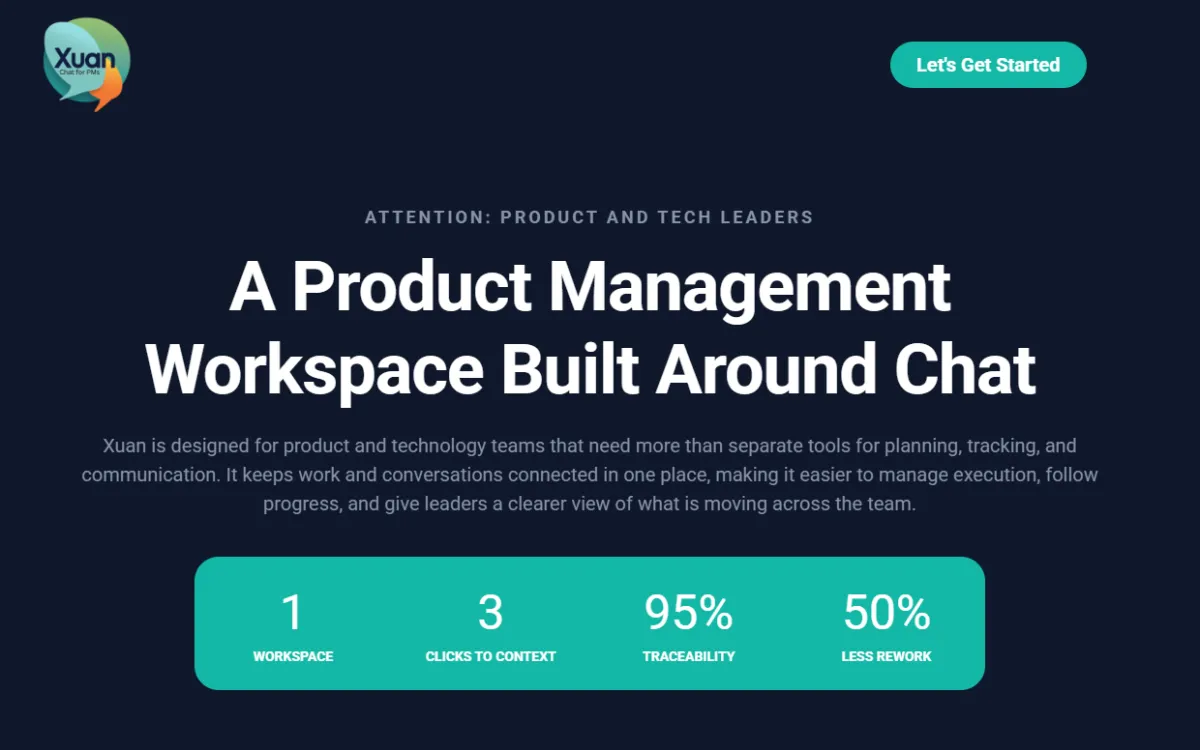
Step 1: Start Your Free Trial
Click Let's Get Started on the main Xuan homepage to begin creating your account.
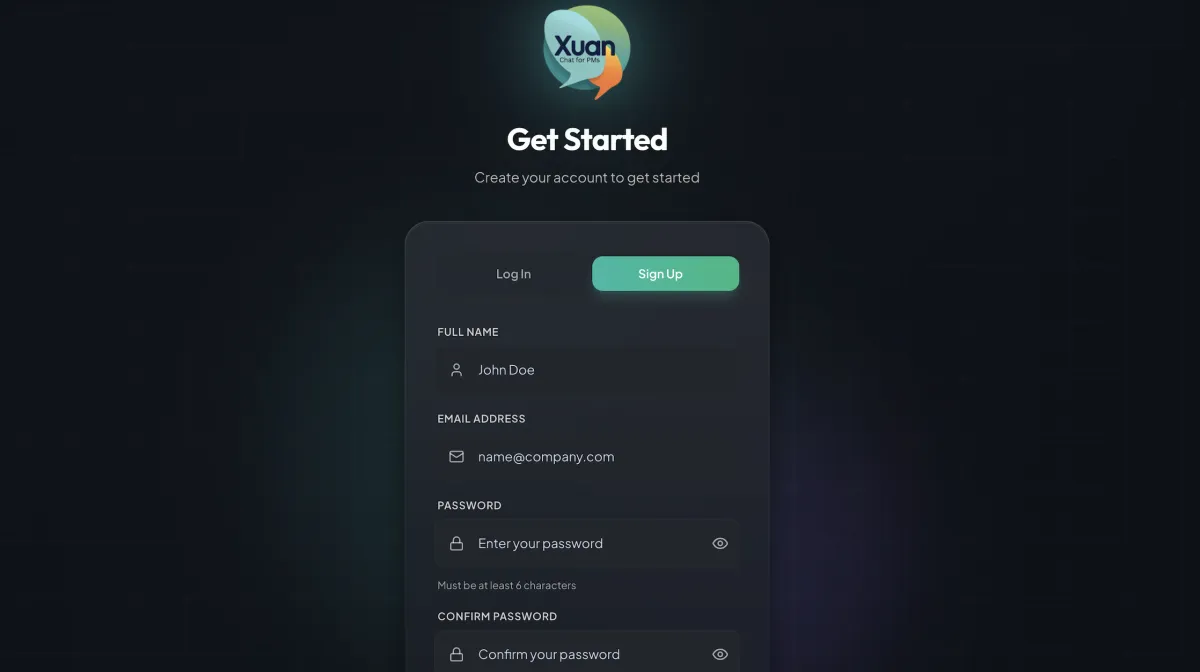
Step 2: Complete the Sign Up Form
Open the Sign Up tab and enter your full name, email address, and password.
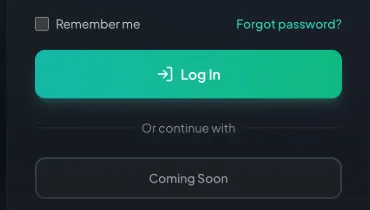
Step 3: Submit Your Registration
Click Sign Up or Log in to submit your details and create your Xuan account.
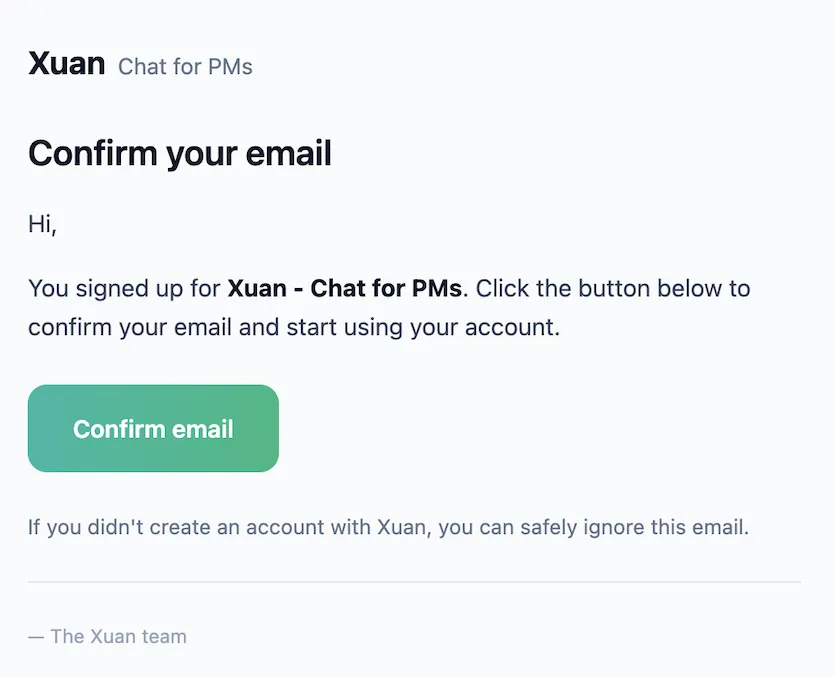
Step 4: Confirm Your Email
Open the email from Xuan - Chat for PMs and click Confirm email to activate your account.
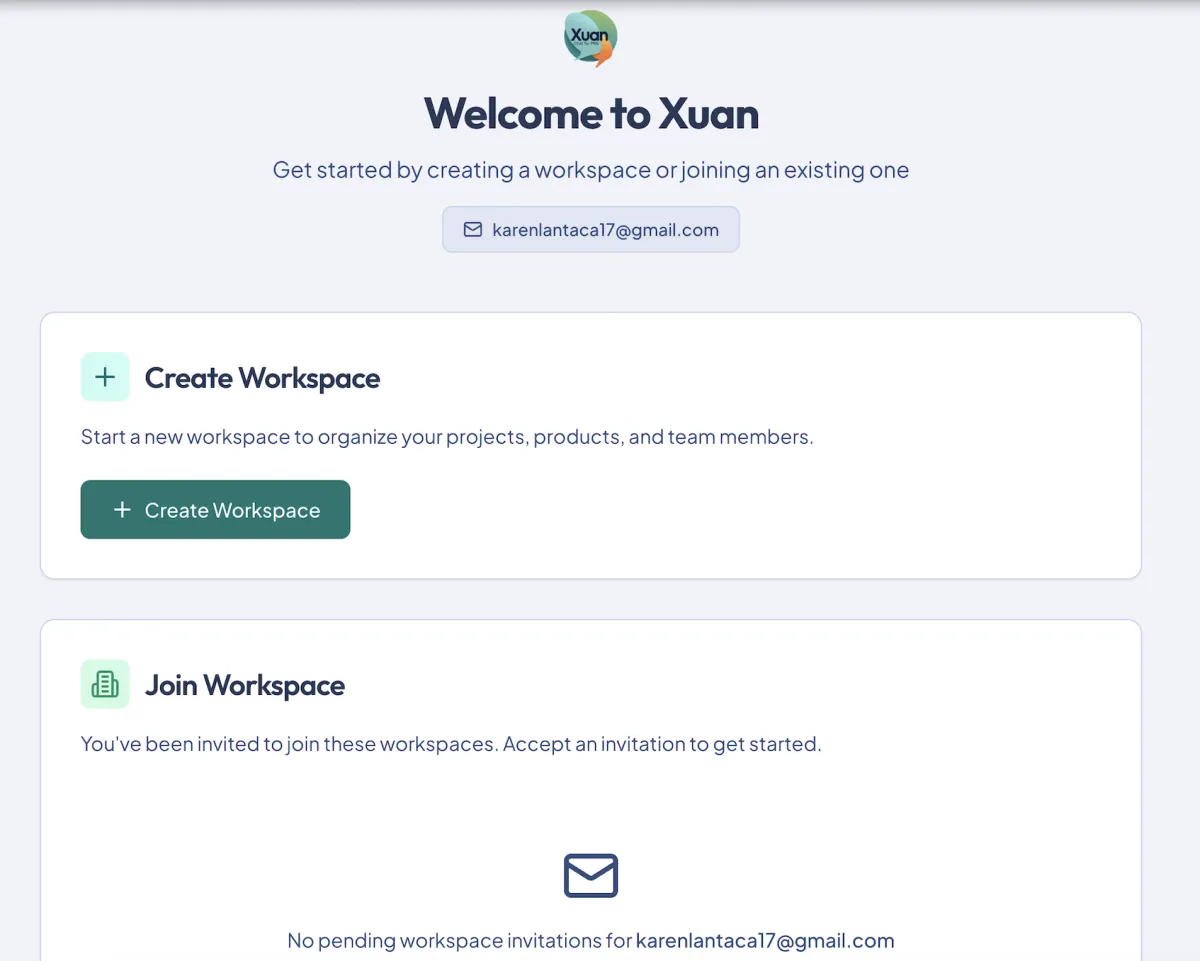
Step 5: Create Your Workspace
After logging in, click Create Workspace to begin setting up your team space.
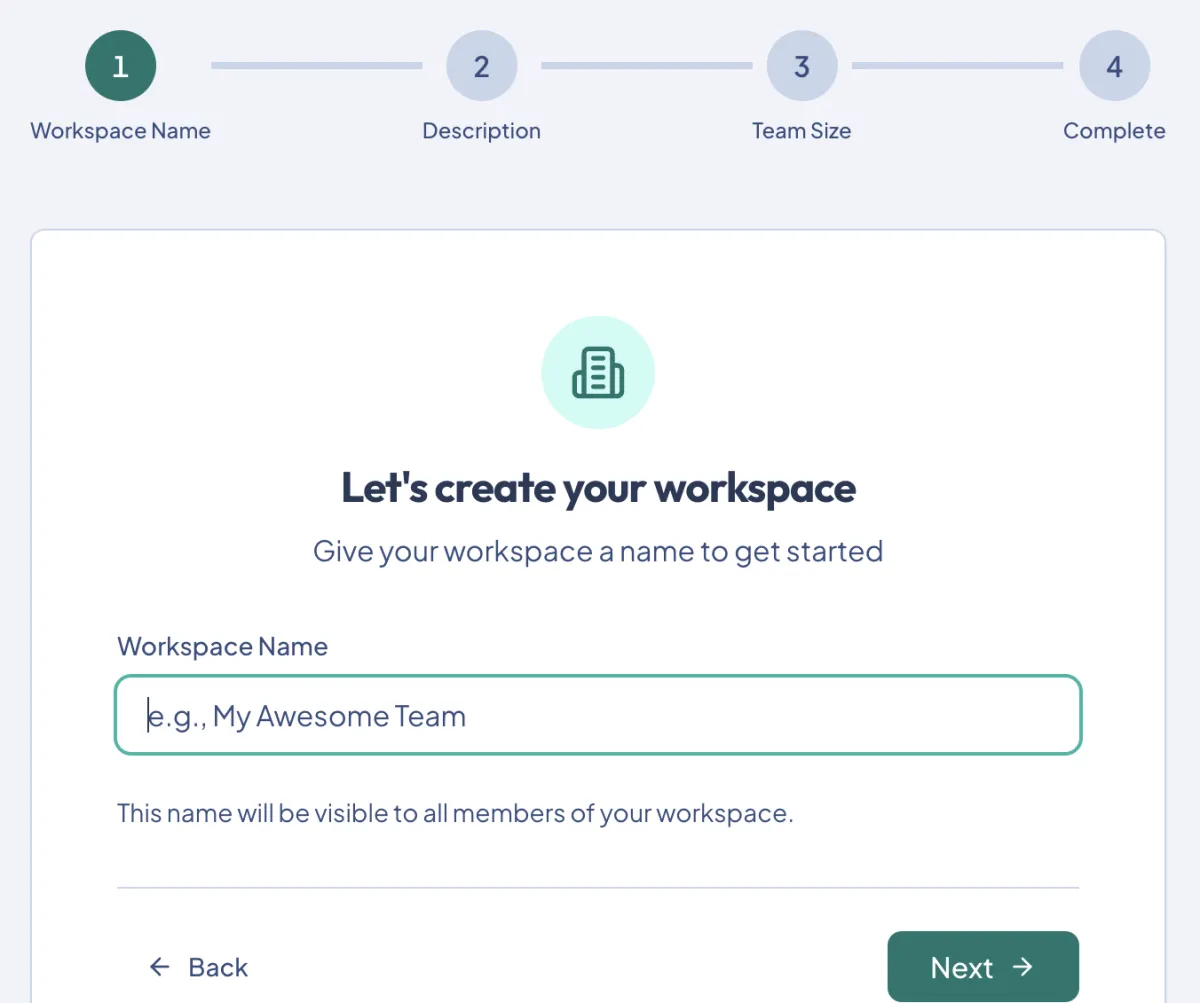
Step 6: Finish Workspace Setup
Enter your workspace name and complete the remaining setup steps to get started.
Why Product Managers Choose Xuan Over Other Tools
FEATURES
Clear structure for product-centric teams
Simple, uncluttered interface
Built for product managers
Integrated chat for team alignment
Clear product portfolio view
Affordable, scalable pricing
Easy to set up and adopt
Requirements & traceability in one place
Xuan
Strong
Strong
Strong
Strong
Strong
Strong
Strong
Strong
JIRA
Moderate
Weak
Moderate
Weak
Moderate
Strong
Weak
Moderate
asana
Moderate
Strong
Weak
Moderate
Strong
Moderate
Strong
Weak
CLICKUP
Moderate
Moderate
Moderate
Strong
Strong
Strong
Moderate
Moderate
PRODUCT BOARD
Moderate
Moderate
Moderate
Strong
Strong
Strong
Moderate
Moderate
Simple, Transparent Pricing
Free
Limited
View-only access
View Existing Data
No new products or projects
No new tasks
No member invitations
Pro
Contact Sales
Create products, projects & tasks
Invite team members
All 6 planner views
Requirements & issue tracking
Plus 14 MORE features
per user/month
Enterprise
Custom
Contact us for pricing
Everything in Pro
Custom integrations
Dedicated support
SLA
Plus 5 MORE features
● 30-day free trial on Pro ● No credit card required ● Cancel anytime ● 30-day free trial on Pro ● No credit card required ● Cancel anytime ● 30-day free trial on Pro ● No credit card required ● Cancel anytime ● 30-day free trial on Pro ● No credit card required ● Cancel anytime ● 30-day free trial on Pro ● No credit card required ● Cancel anytime ● 30-day free trial on Pro ● No credit card required ● Cancel anytime ● 30-day free trial on Pro ● No credit card required ● Cancel anytime● 30-day free trial on Pro ● No credit card required ● Cancel anytime
Frequently Asked Questions
Got Questions? Find Answers to Common Queries Here!
Why was Xuan created for product teams?
Xuan was created to provide product teams with a clear, organized workspace where work is easy to navigate, responsibilities are visible, and teams move with confidence.
How does Xuan improve daily execution for teams?
Each day begins with clarity. Team members open their project and see exactly what needs attention, allowing them to start work immediately without searching for direction.
Why does Xuan use a defined PMO framework?
The framework creates consistency. Issues lead to requirements, requirements lead to features, and everything aligns with product objectives. Nothing gets lost and teams execute faster.
What makes Xuan easier to adopt than traditional PM tools?
Xuan avoids heavy configuration and complexity. The structure is built in, navigation is straightforward, and teams ramp up quickly without training overhead.
How does Xuan keep products organized as teams grow?
Each product has a dedicated workspace outlining its issues, requirements, and supporting features. The structure scales cleanly without introducing confusion or duplication.
What impact does Xuan have on team communication?
All communication stays tied to the relevant product or project, ensuring context is always available and decisions remain easy to track.

